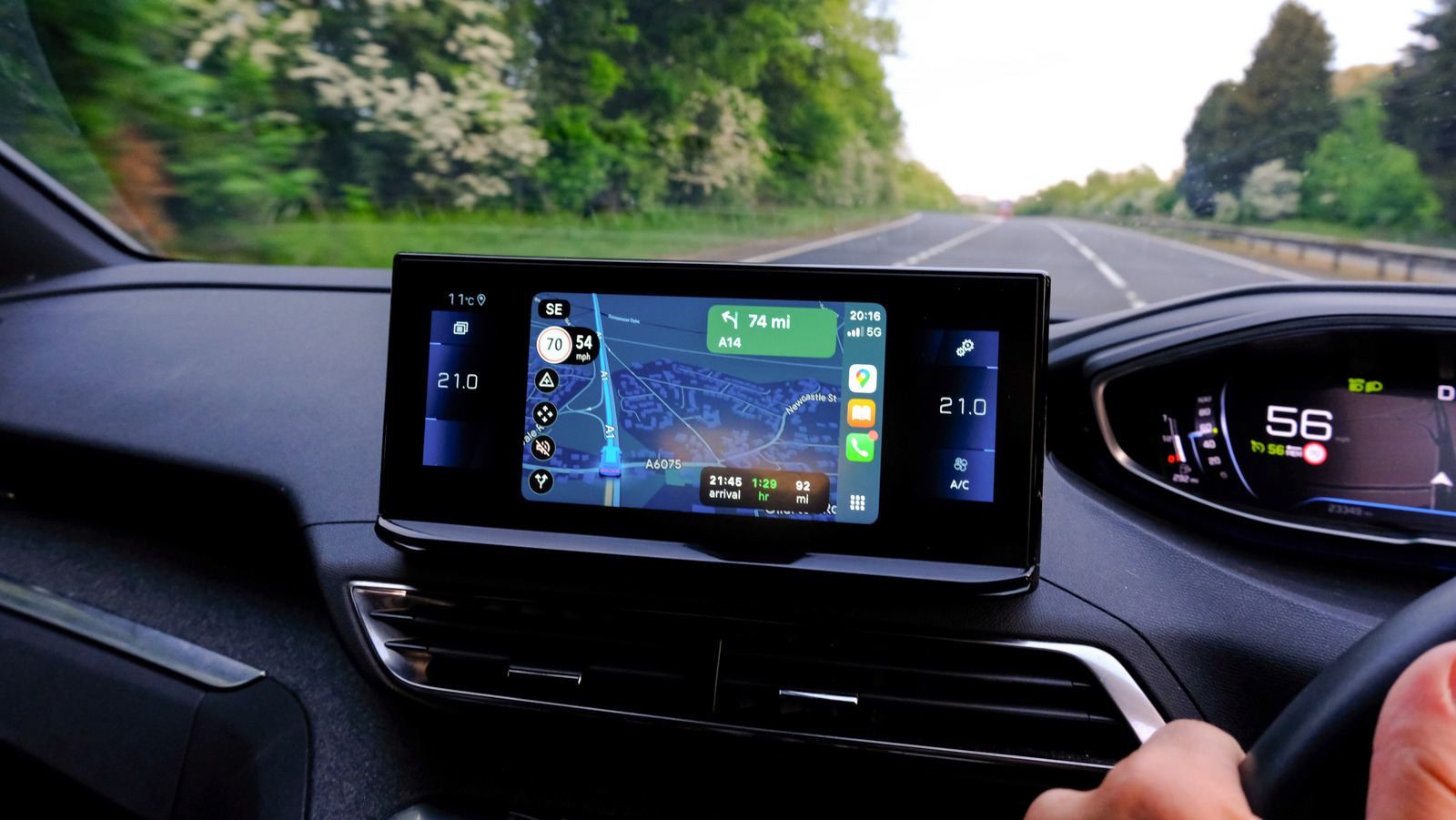
Many users rely on Google Maps primarily for navigation, but the app offers a wealth of features that can significantly enhance your experience. From discovering local businesses to saving routes, Google Maps serves as a comprehensive tool for both exploration and practical navigation. Here are ten features that you might be missing out on, which can transform your journey.
Discover New Places
Google Maps is not just a navigation tool; it acts as a powerful guide for discovering new locations. Whether you are in a new city or exploring your hometown, the app allows users to find everything from restaurants to gas stations. You can easily save places you wish to revisit by starring them. To do this, open the app, click on the search bar, and select the “More” option. From there, you can find your “Starred places” list, where you can add or review your favorites.
Another useful feature is the app’s ability to suggest places based on your search history. If you find places that no longer interest you, simply click the three dots next to each destination and select “Remove Place.”
Utilize the Timeline Feature
The Timeline feature is a remarkable tool that allows users to track their routes and visits automatically. Once activated, it saves your travel history across signed-in devices, providing a convenient way to retrace your steps. To turn on this feature, navigate to the “More” menu in Google Maps and select “Timeline.” This feature is particularly beneficial if you upgrade your device or misplace your phone, as it ensures that your travel history remains accessible.
For more control, users can manually select specific trips to save. If Google Maps provides multiple route options, you can choose your preferred path and ensure that the app will guide you along that route in the future. This feature is handy for avoiding toll roads or highways consistently.
Explore Layers and Views
Beyond traditional maps, Google Maps offers various views and layers that provide detailed information about different areas. Users can switch between basic map views, satellite imagery, and even terrain layers. For instance, the traffic layer shows real-time congestion, while the biking layer indicates dedicated bike lanes in select locations.
To explore these layers, tap the button with the diamond and “v” shape on the app. Other layers available include public transit routes, air quality indicators, and even street views, all of which enhance trip planning and navigation.
Access Business Information Instantly
One of the standout features of Google Maps is its ability to provide detailed information about local businesses. From customer reviews to live crowd levels, the app helps users make informed decisions about where to go. For instance, a restaurant’s listing may include an average star rating, current business hours, and even online menus.
Users can also contribute to this data by posting reviews, sharing photos, and reporting issues. This information helps create a richer experience for everyone using the app.
Find Amenities Quickly
In urgent situations, such as needing an ATM, electric vehicle charging station, or hospital, Google Maps simplifies the search process. Users can quickly tap on common location types displayed in the top bar of the app. If the specific amenity is not listed, selecting “More” reveals a broader array of categories.
This functionality saves time, allowing users to locate essential services without extensive typing or browsing.
Optimize Battery Life with Glanceable Directions
Using Google Maps while driving can drain your phone’s battery quickly. To mitigate this, the app offers a glanceable directions feature, allowing users to see their route and estimated time of arrival directly on their phone’s lock screen. To enable this, go to Settings, select Navigation Settings, and activate glanceable directions.
This feature helps conserve battery life while allowing drivers to stay updated on their navigation without constantly checking their screens.
Engage with Augmented Reality
For a more immersive experience, Google Maps has incorporated augmented reality (AR) features in major cities like New York, London, and Tokyo. Users can activate this feature by tapping the camera icon in the app and pointing their phone at the environment. The app overlays information about nearby attractions, shops, and restaurants onto the real-world view, providing a unique way to navigate your surroundings.
Navigate Indoor Spaces
Google Maps is not limited to outdoor navigation; it also enables users to navigate through indoor spaces such as malls or airports. With over 10,000 locations mapped, users can search for a mall or airport and access the directory feature to find specific stores or services. This capability allows for guided walking paths to your desired destination within these large venues.
Explore Historical Changes with Street View
Google Maps’ Street View feature offers users the ability to see how locations have changed over time. By entering an address and selecting the Street View option, users can access an archive of past images. This feature allows for nostalgic explorations, letting you compare how places have evolved over the years.
To view historical images, tap “See More Dates” at the bottom of the screen. This feature provides a fascinating glimpse into the past.
In summary, Google Maps is much more than a simple navigation tool. Its extensive features provide users with a wealth of information and capabilities that can greatly enhance their travel experiences. By exploring these options, you can make the most of your journeys, whether you’re navigating through a bustling city or planning your next adventure.