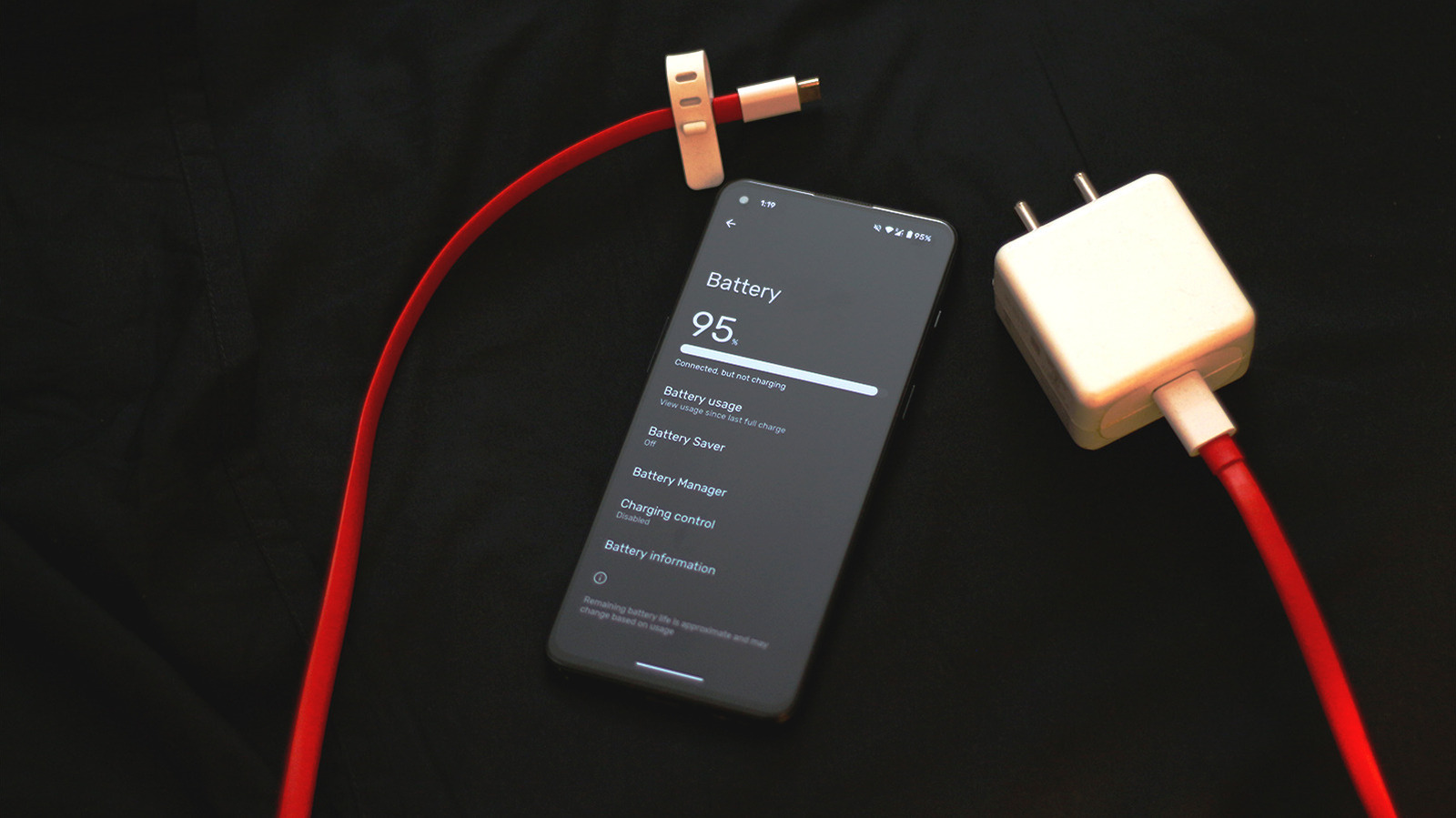
UPDATE: New findings reveal that Android users can significantly enhance their device’s battery life by adjusting just five critical settings. This urgent update comes as many smartphone owners report frustratingly short battery durations, often requiring multiple charges daily.
With the increasing demands placed on smartphones—from high-performance gaming to constant notifications—battery degradation is becoming a widespread issue. Many devices suffer from battery drain due to aging or intensive background processes. However, users can take immediate steps to combat this.
1. Disable Always-On Display: Many Android devices feature an always-on display, which can drain battery life by keeping the screen active. This feature is especially prevalent in models with AMOLED screens. If you rarely utilize this function, turn it off by navigating to Settings > Display and toggling the option. This simple change can help extend your battery’s endurance.
2. Adjust Refresh Rate: Lowering your screen’s refresh rate from 120Hz to 60Hz can also conserve battery life. While this adjustment may make on-screen actions appear slightly slower, the benefits in battery longevity are worth it for most users. Access this setting via Settings > Display.
3. Activate Dark Mode: Switching to dark mode can lead to significant battery savings, especially for devices with AMOLED screens, as it turns off individual pixels to display black. Enable dark mode through Settings > Display, potentially extending your usage time while providing a more comfortable viewing experience.
4. Manage Background App Permissions: Many apps run in the background, consuming valuable battery power. To limit this activity, head to Settings > Apps, select the specific app, and disable background usage. Additionally, control location services by visiting Settings > Location and adjusting permissions for apps that don’t require constant access.
5. Switch to 4G: While 5G offers faster speeds, it can also lead to excessive battery drain. If coverage is spotty in your area, consider switching back to 4G. Change this setting in Settings > Network and Internet > SIMs, selecting 4G or LTE for a more battery-friendly experience.
These adjustments can lead to noticeable improvements in your device’s performance and battery longevity. In a world where connectivity is paramount, these quick changes are essential for maintaining your phone’s efficiency.
Experts recommend these settings as vital steps toward optimizing battery health, especially as more users rely on their smartphones for everyday tasks. Regular monitoring of your device’s battery health is also crucial; manufacturers suggest replacing batteries when health drops below 80%.
With these actionable tips, Android users can regain control over their battery life and enhance their device’s operational longevity. For anyone struggling with frequent charging, implementing these settings could be a game changer.
Stay tuned for more updates as experts continue to explore ways to optimize smartphone performance. Share this valuable information with others who may benefit from enhanced battery management.