URGENT UPDATE: Android users, especially those transitioning from iPhone, can now enhance their mobile experience with essential customization tips released today. This guide provides new users with immediate strategies to personalize their devices, making the transition seamless.
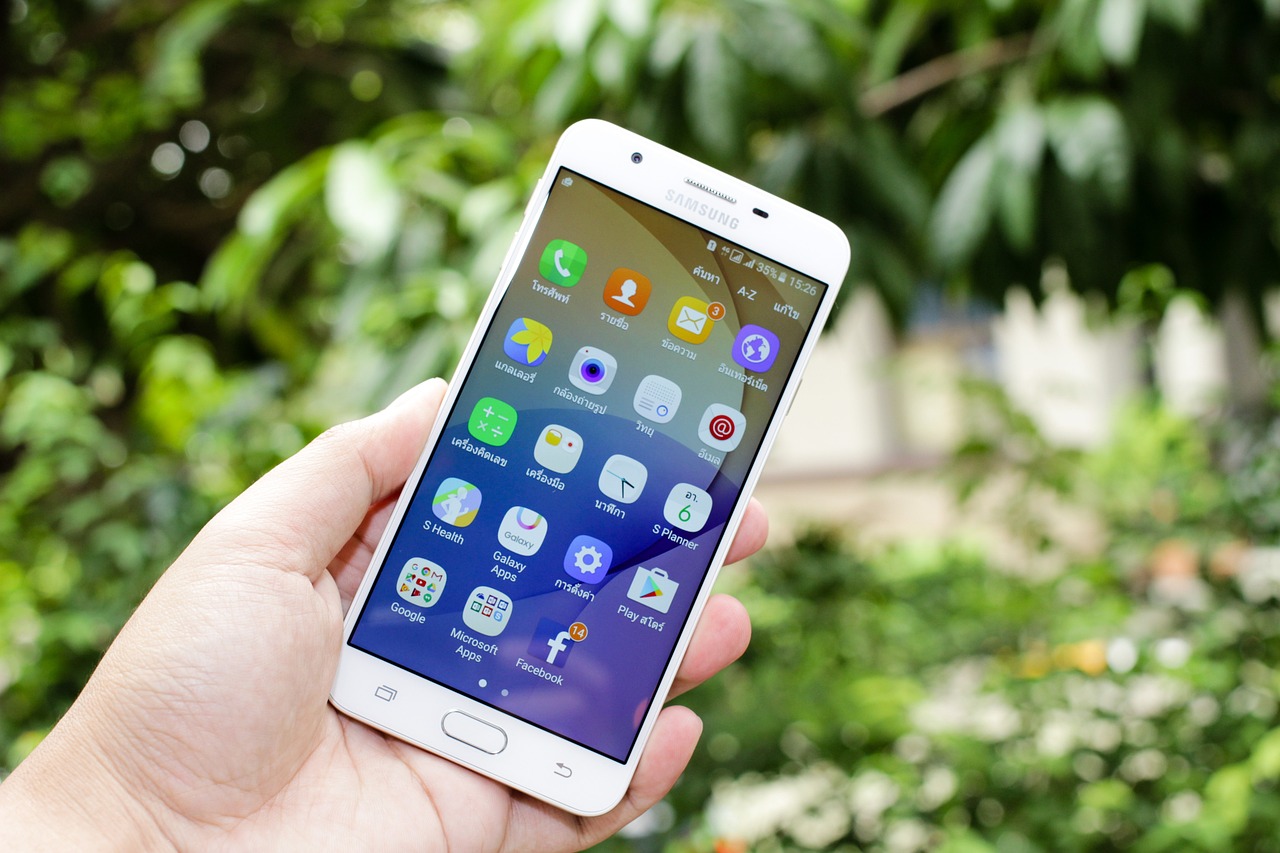
Just announced are vital steps to customize your Android home screen effectively. Users can start by long-pressing an empty area on their home screen to access options for wallpapers, widgets, and settings. Experts recommend creating app folders to declutter the interface, making frequently used apps easily accessible. Additionally, users can resize widgets simply by dragging their edges, optimizing their layout.
For those who want a significant aesthetic change, downloading icon packs from the Google Play Store can dramatically alter the look of app icons. Dynamic wallpapers provide a lively feel, enhancing personalization. Apps like WidgetClub offer themed sets of wallpapers, icons, and widgets, making customization simpler for beginners.
Widgets are a game-changer for Android users, delivering timely information without launching apps. Users can add widgets by long-pressing the home screen, selecting the “Widgets” menu, and choosing their desired feature. Popular options for beginners include weather widgets, clocks, and music controls. Experts suggest using multiple widgets to test different configurations, helping users find what works best for their daily routines.
Switching from iPhone to Android opens a wider range of customization options. Unlike on the iPhone, Android allows for greater flexibility in widget placement and the use of third-party launchers like Nova Launcher. These launchers enable users to tailor their devices with custom gestures and advanced grid control, making the transition smoother and more personalized.
To maximize customization, new Android users should focus on simplicity and consistency. Group similar apps into folders and use the app drawer for lesser-used tools. Changing app icons is straightforward with customization apps; simply long-press the icon and select “Edit” or “Change icon.” Regular experimentation is encouraged to discover the most efficient and visually appealing setups.
This comprehensive guide empowers new Android users to leverage the full potential of their devices, creating a personalized mobile experience. By mastering the home screen, widgets, and launcher options, users can optimize their devices for daily needs.
As we move further into July 2025, experts emphasize the importance of being cautious while downloading apps and customization tools. Security vulnerabilities can arise from untrusted sources, so it’s crucial to stick to reputable developers. Users are encouraged to check app ratings and permissions diligently to protect their privacy.
In summary, the release of these tips marks a significant opportunity for Android users to personalize their devices with urgency. With the right strategies, users can transform their mobile experience today.
For more information on Android customization and to access the latest tools, visit the Google Play Store or explore apps like WidgetClub and Nova Launcher now. Don’t miss out on the chance to make your Android device uniquely yours!