URGENT UPDATE: As of October 2023, Windows 10 is officially obsolete, leaving millions of users at risk of security vulnerabilities. If you have not yet upgraded to Windows 11, now is the time to act. Microsoft is no longer supporting Windows 10, making it essential to transition to their latest operating system to ensure safety and receive updates.
This critical shift opens the door to new functionalities, but users will need powerful tools to enhance their experience on Windows 11. Here are five free apps that every new Windows 11 user should install immediately to optimize their workflow and productivity.
1. Microsoft PowerToys
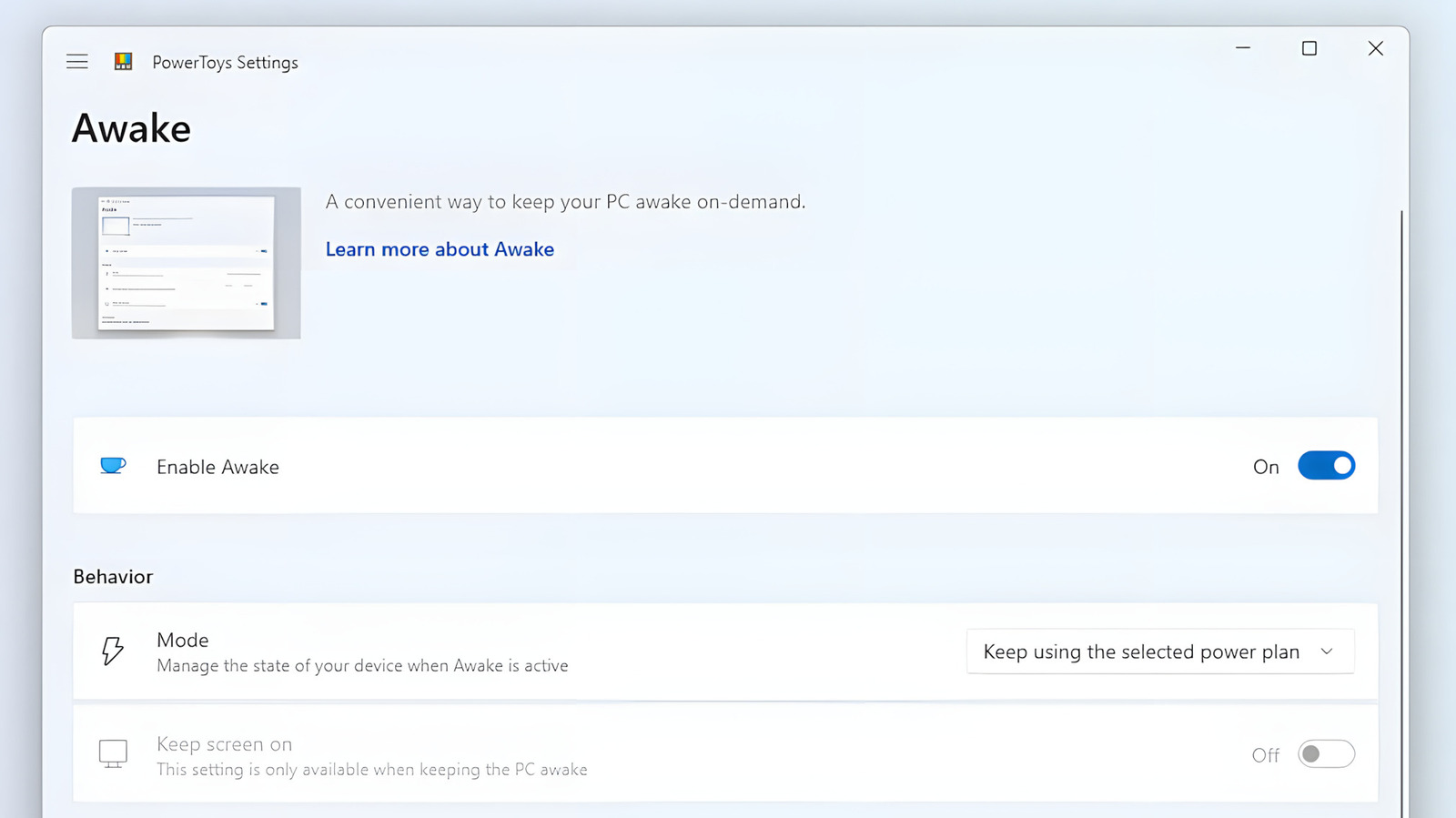
Microsoft’s PowerToys has long been a hidden gem for Windows users. Although it’s not pre-installed, this suite of utilities is a must-have for enhancing your Windows 11 experience. Features like Advanced Paste allow you to quickly manipulate copied text, while Awake keeps your PC active during important tasks. PowerToys brings functionalities akin to macOS, offering tools that even non-tech-savvy users can benefit from.
2. Blip
File transfers have never been easier with Blip. This app allows you to send files of any size across devices with a single click. Unlike traditional methods, Blip intelligently resumes interrupted transfers, making it a reliable option for sending files to yourself or others—whether they are using Windows, Android, iPhone, or macOS. Best of all, Blip is completely free and ad-free, although users should be cautious about privacy as it does not provide end-to-end encryption.
3. QuickLook
For those who loved the Peek feature in PowerToys but want a simpler solution, QuickLook is your answer. This minimalist app lets you preview a wide range of file types effortlessly, functioning similarly to macOS’s Quick Look. With options to navigate files using the keyboard and adjust zoom levels, QuickLook saves you time when managing your documents, photos, and media.
4. VLC Media Player
Don’t settle for the default media player on Windows 11. Install VLC, the open-source media player that supports virtually any video and audio format. It offers extensive customization options and a user-friendly interface, making it the go-to choice for media playback. Plus, VLC can even download online videos from platforms like YouTube, enhancing its already rich feature set.
5. Revo Uninstaller
Uninstalling apps can leave behind unnecessary clutter. Revo Uninstaller tackles this issue head-on. After removing an application, it scans for leftover files and registry entries, allowing you to delete them easily. Users can choose between “Safe” and “Moderate” settings to ensure they don’t accidentally remove critical files. For a simpler interface, Geek Uninstaller is a great alternative that performs similar functions without overwhelming users.
These five applications are essential for anyone making the jump to Windows 11. Not only do they enhance productivity, but they also ensure a smoother user experience during this critical transition away from Windows 10. As more users upgrade, sharing this information can help others take full advantage of their new operating system.
Stay safe, stay updated, and make the most of Windows 11 with these powerful free tools!