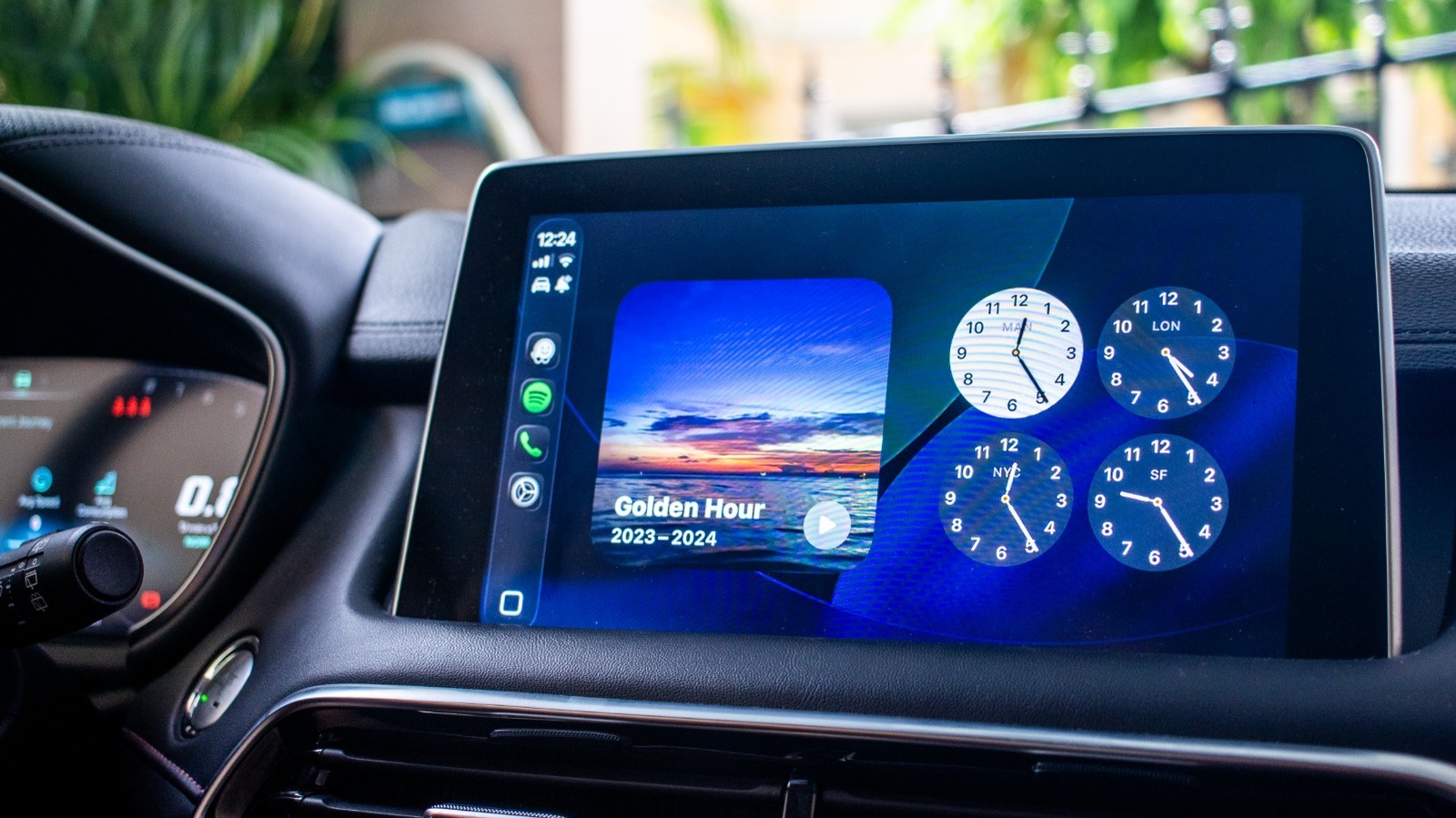
Apple’s introduction of CarPlay Widgets in iOS 16 has transformed the way drivers interact with their vehicles’ infotainment systems. This feature allows users to access their favorite apps directly on the car display, enhancing convenience during drives. Although some users have expressed concerns about its limited app support, several widgets stand out as particularly useful for enhancing the driving experience.
Maximizing Convenience with Essential Widgets
Adding widgets to your CarPlay display is straightforward through your iPhone settings. While many users appreciate the feature, some have pointed out that running navigation and music simultaneously with widgets can be challenging. Nevertheless, certain widgets can significantly enrich your driving routine, whether you’re commuting to work, heading to an errand, or returning home after a long day.
For instance, the Amazon widget might not be the first thing that comes to mind while driving, but it serves a practical purpose. It can notify you of incoming package deliveries, allowing you to communicate with those at home about expected parcels. Additionally, if you utilize Amazon Locker services, the widget can remind you to stop by a designated location. Although browsing for deals while driving is tempting, it’s crucial to prioritize safety and avoid distractions.
Another noteworthy addition is the Microsoft Copilot, which provides a conversational AI experience. Accessible as a CarPlay widget, Copilot requires your iPhone to be unlocked for use. It can serve as a companion, alleviating boredom during long drives. The engaging nature of the AI allows for interruptions in conversation, making it a stimulating option for drivers feeling sleepy or needing to stay alert on the road.
Enhancing Entertainment and Productivity
For music lovers, the Dynamic Lyrics app offers a unique feature: it displays the lyrics of songs currently playing on Apple Music or Spotify. Available through a CarPlay widget, it requires a Premium subscription but provides a free trial. With a simple setup, users can enjoy singing along to their favorite tracks while keeping their focus on driving. The app even allows for collaborative playlists, adding a fun element to road trips with friends.
Podcasts are also easily accessible through the Apple Podcasts widget, which streamlines access to the latest episodes. Users can quickly view their Up Next list, browse saved episodes, or focus on specific shows. This flexibility is particularly appealing for those who frequently listen to podcasts during their commutes.
Additionally, the integration of smart home technology through the Apple Home or Google Home widgets allows drivers to manage their devices without needing to physically interact with their phones. This feature can be especially helpful for controlling garage doors or adjusting home temperatures upon arrival.
Despite the initial limitations of CarPlay Widgets, these innovative tools offer drivers enhanced convenience, entertainment, and control. As more apps develop compatibility with this feature, the potential for a more integrated driving experience continues to grow.