Amazon’s range of smart devices, including streaming sticks and security cameras, has expanded significantly in recent years. Many consumers may not realize that the company also owns popular brands such as Eero, Ring, and Blink. While these devices offer a convenient way to enhance home automation, they come with features that may raise privacy concerns. One such feature is Amazon Sidewalk, a low-bandwidth network that connects devices even when they are out of range of a home Wi-Fi network.
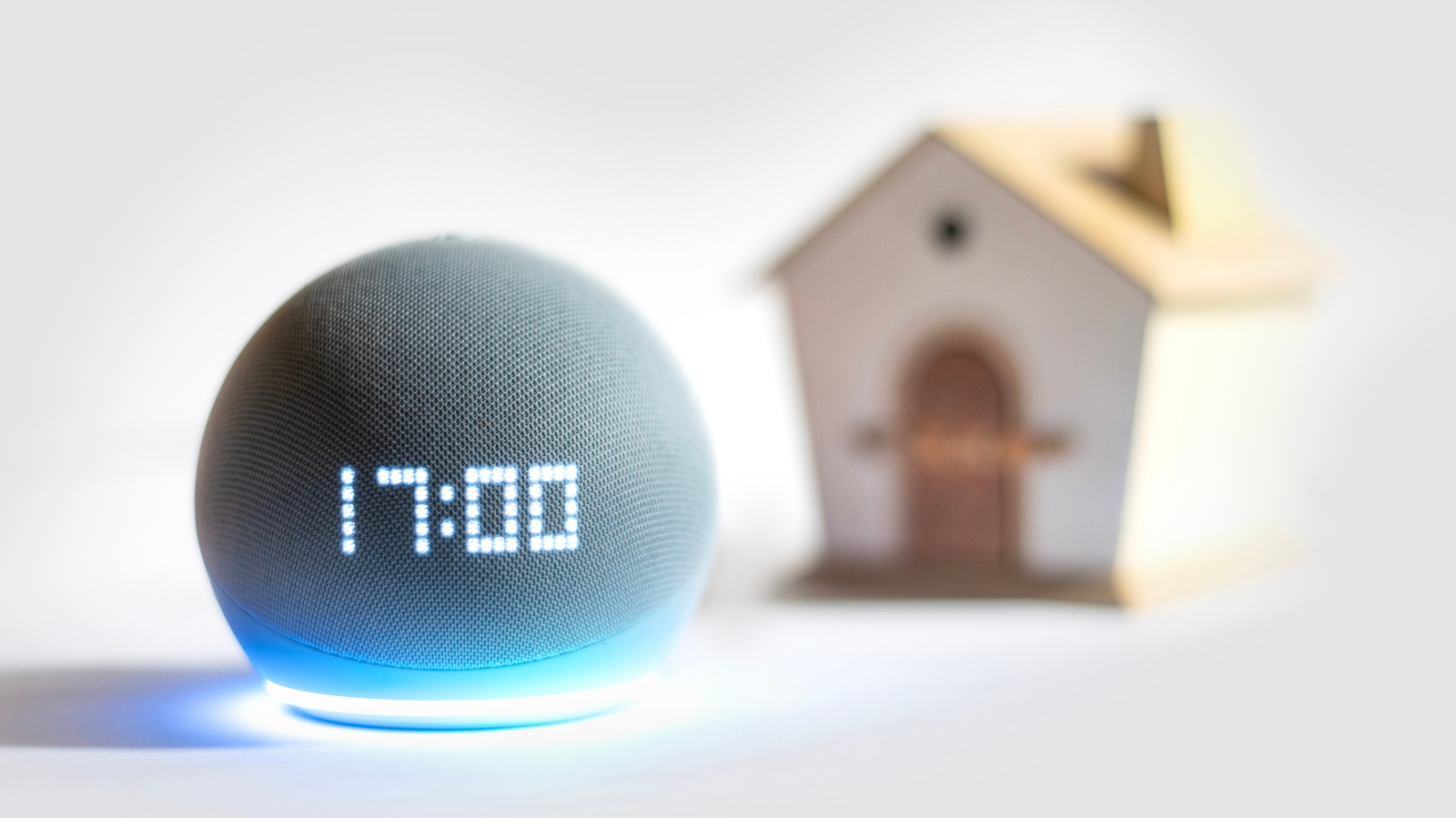
Unveiled several years ago, Amazon Sidewalk operates in the background, allowing devices to communicate with one another through a community network. This is achieved by leveraging other nearby Amazon devices, such as Echo speakers and Ring cameras, which act as “Bridges.” These Bridges connect to Sidewalk-compatible devices like smart locks and motion sensors, relaying information back to the cloud. With over 90% of U.S. residents reportedly covered by Sidewalk, users can receive notifications about their devices regardless of their location.
Concerns about privacy and data usage have arisen regarding Sidewalk’s functionality. Amazon limits the data transmitted through Sidewalk to 500MB per account each month, which is designed to mitigate potential issues related to excessive internet use. While this may ease some concerns, the concept of a large mesh network raises questions about security. Amazon assures users that all information transmitted between devices and Bridges is encrypted, preventing unauthorized access by other homeowners or even Amazon itself.
The concept behind Amazon Sidewalk is not unique. Apple has successfully utilized a similar crowdsourced network for its Find My feature, allowing users to locate lost devices without being in Bluetooth range. Google has also adopted this technology with its new Find Hub network, enabling users to track compatible devices globally.
For those who prefer not to participate in Amazon’s crowdsourced wireless network, disabling Sidewalk is straightforward. Users can follow these steps: open the Alexa app on their phones, ensure they are logged into the same Amazon account as their devices, navigate to Settings > Account Settings > Amazon Sidewalk, and switch the toggle off. If the toggle is not visible, it may indicate that the user does not own any compatible devices.
As smart technology continues to evolve, understanding the implications of features like Amazon Sidewalk becomes increasingly important. While the potential for enhanced connectivity is appealing, consumers must weigh these benefits against privacy considerations.