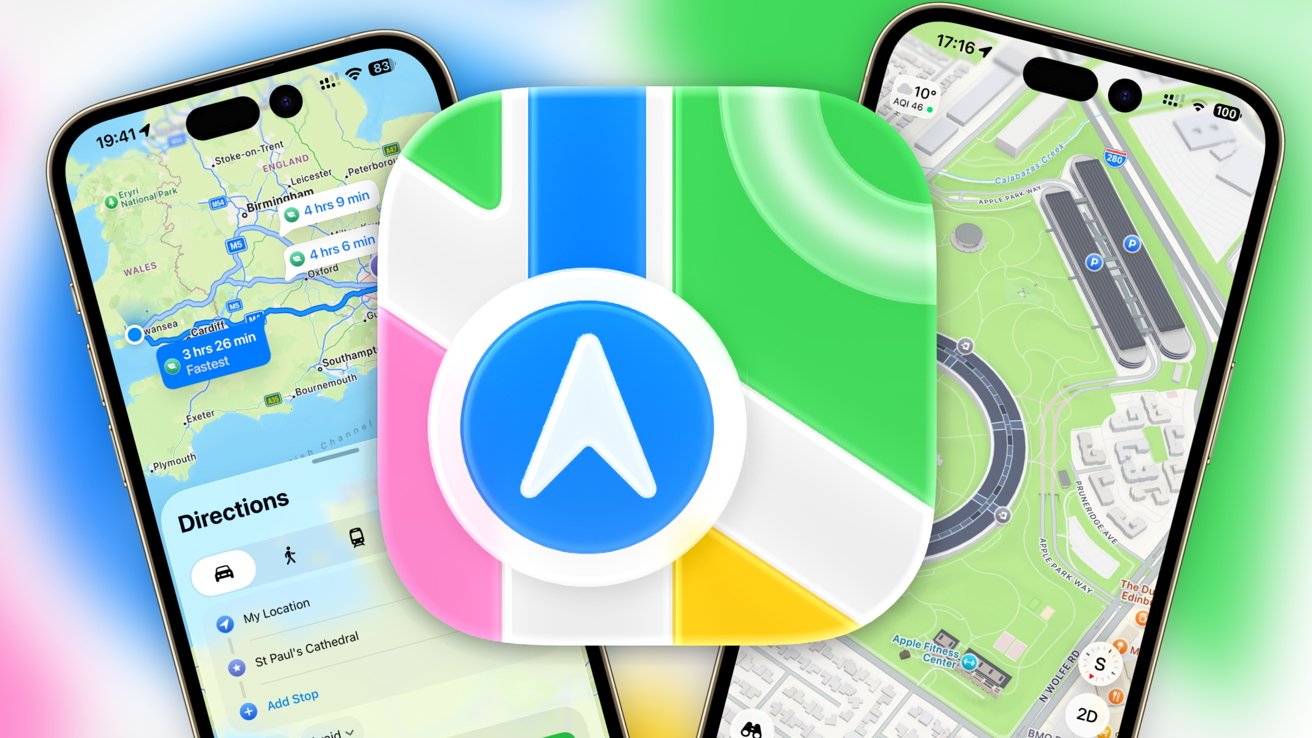
Apple Maps has transformed from a troubled launch in 2012 to one of the most widely used navigation applications on iOS devices. The latest iteration, available in iOS 26, introduces several features aimed at enhancing user experience. This article delves into the evolution of Apple Maps and its current functionalities, providing insight into how users can maximize this navigation tool.
Evolving Journey of Apple Maps
Initially, Apple sought to establish its own mapping service to reduce dependency on Google Maps. Unfortunately, the first version of Apple Maps faced significant backlash due to inaccuracies in 3D rendering and location data. This led to a public apology from Tim Cook, the company’s CEO, and the eventual departure of Scott Forstall, the former Senior Vice President of iOS Software.
In the following years, Apple focused on regaining user trust by enhancing its mapping capabilities. With the introduction of CarPlay and acquisitions of various mapping companies in 2013, Apple aimed to improve its data accuracy. By 2020, Apple Maps had transitioned to utilizing entirely in-house data, signaling a new era for the application.
The subsequent updates have consistently added features aimed at improving usability. From public transportation integration in iOS 9 to guides and cycling directions introduced in 2020, Apple Maps has steadily expanded its offerings. The latest updates in 2024 introduced route planning for hiking, showing the application’s commitment to catering to diverse user needs.
Key Features of Apple Maps in iOS 26
On launching Apple Maps, users are greeted with a map centered on their current location, indicated by a blue dot. The interface allows for quick navigation to destinations and provides additional features beyond basic mapping.
The top left corner displays weather information, including temperature and air quality, while the bottom right houses navigation icons. Users can easily switch between 2D and 3D views to assist with orientation and terrain understanding.
A notable addition in iOS 26 is the ability to view Recent Places and access predicted destinations, enhancing the user experience by anticipating needs. The app also integrates public transportation options, enabling users to plan their journeys seamlessly.
For those who prefer offline navigation, the update allows users to download maps for use without cellular data, making it easier to navigate in unfamiliar areas.
Exploring Additional Functionalities
Apple Maps offers a plethora of features that enhance the navigation experience. The Search function enables users to find locations by name or address, while Siri Suggestions provide tailored recommendations based on recent activity.
The Profile section is designed for personalization, allowing users to save frequently visited places and create custom routes. Users can also report inaccuracies directly through the app, contributing to ongoing improvements in map data quality.
With the Look Around feature, Apple Maps provides a visual perspective similar to Google Maps’ Street View, allowing users to explore areas before visiting. This capability enhances planning and ensures users have a clear understanding of their destinations.
The navigation functionality remains a core strength of Apple Maps. Users can select their preferred mode of transport—driving, walking, cycling, or public transport—and receive detailed, turn-by-turn directions. The app also considers real-time traffic conditions and provides alternative routes if necessary.
As Apple continues to innovate and refine Apple Maps, it stands as a testament to the company’s dedication to improving user experience. The transition from a problematic launch to a robust navigation tool highlights not only technological advancements but also Apple’s commitment to listening to its user base and evolving accordingly.
In conclusion, the latest features in iOS 26 position Apple Maps as a competitive alternative in the navigation landscape, offering users a comprehensive suite of tools to enhance their travel experiences.