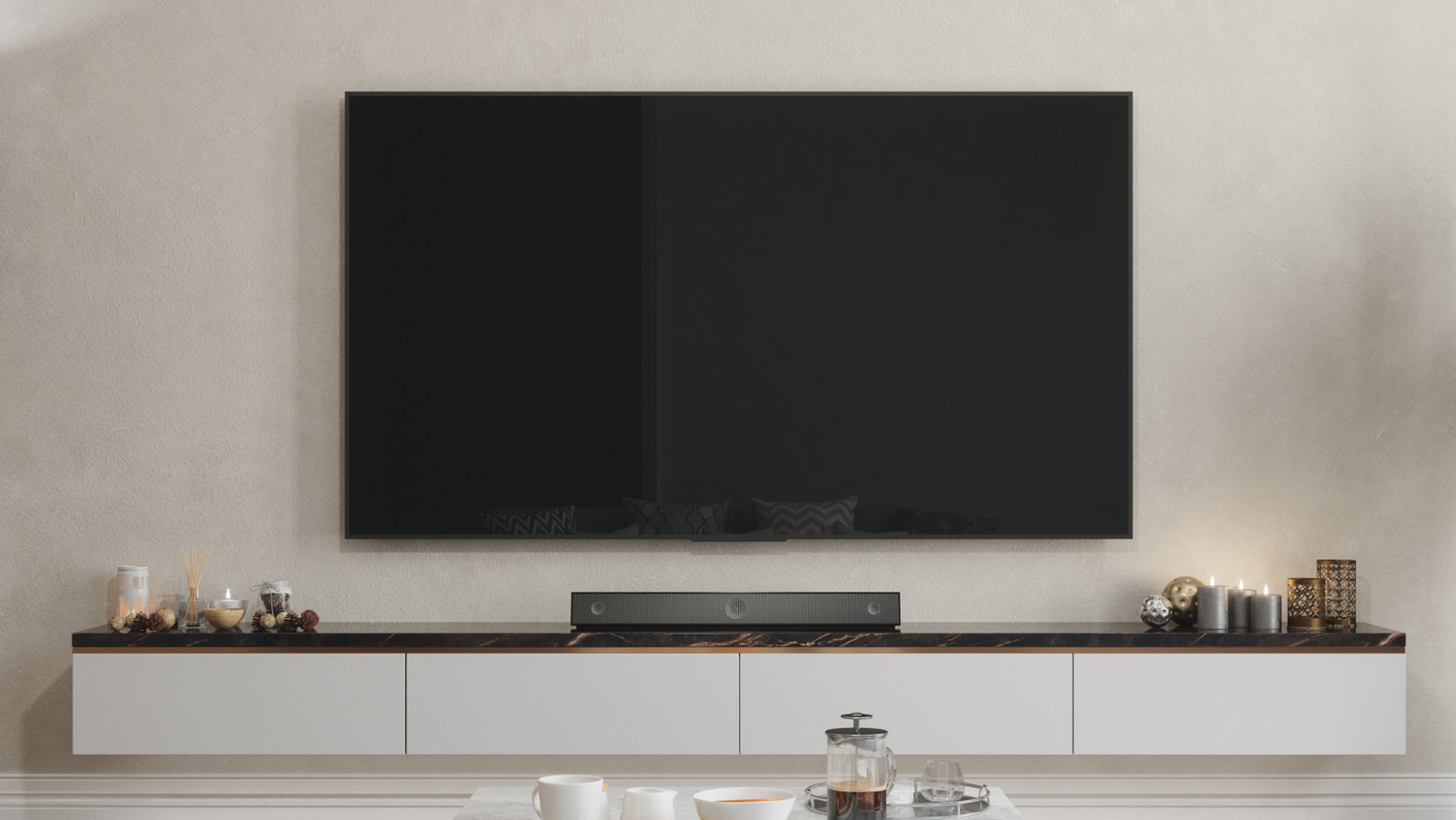
Setting up a new television is often straightforward, but for an optimal audio experience, the choice of HDMI port matters significantly. The HDMI eARC (enhanced Audio Return Channel) port is designed for superior sound quality and should be the primary connection for soundbars and audio receivers.
Using the HDMI eARC port enhances your audio experience, especially when connected to systems like home theaters. This port offers greater bandwidth and a higher bitrate compared to standard HDMI ports, enabling it to send and receive data more efficiently. For audio systems that support high-performance formats such as DTS:X and Dolby Atmos, eARC is the ideal choice. Devices like the Apple TV also benefit from being connected to this port.
Understanding HDMI eARC and Its Compatibility
To fully utilize the advantages of HDMI eARC, it is essential that your audio device is compatible with this technology. While devices rated for the older Audio Return Channel (ARC) will still function, they will not take full advantage of eARC’s capabilities. This means users may miss out on enhanced sound quality that eARC can provide.
The HDMI eARC standard was introduced in 2017 as part of HDMI 2.1, enhancing the original ARC feature, which struggled to deliver high-quality, uncompressed audio. eARC allows for the transfer of advanced audio formats like Dolby TrueHD, thereby unlocking their full potential.
Which Devices Benefit from eARC?
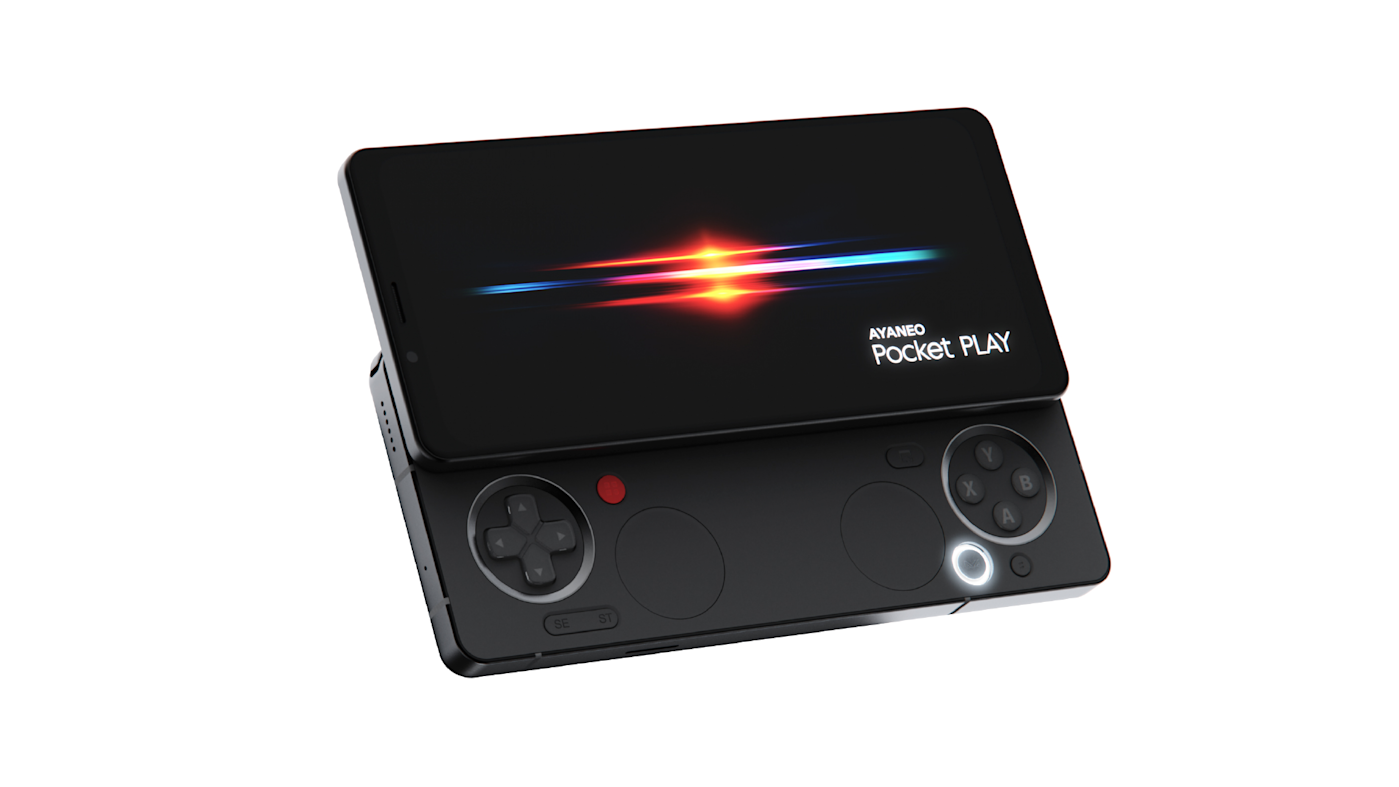
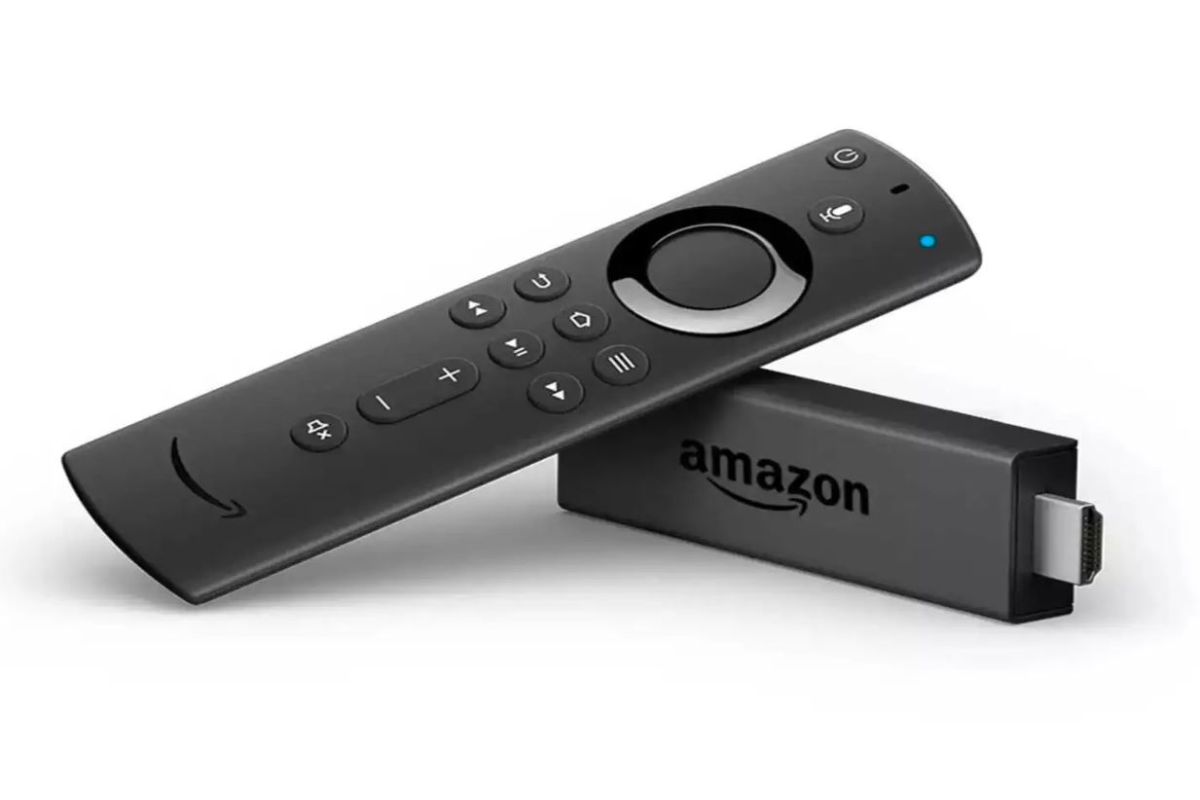
While some devices excel when connected to the eARC port, others do not necessarily gain any advantages. For instance, Blu-ray players, gaming consoles, PCs, and streaming devices may not utilize the eARC benefits since this port primarily sends audio out from the television. Nevertheless, connecting these devices to an eARC port will not cause any issues.
For gaming consoles like the PlayStation 5, using the HDMI 2.1 connection is recommended. This connection allows access to 4K resolution and can provide reduced lag during gameplay, enhancing the overall gaming experience.
If you are uncertain about which HDMI port is appropriate for your device, consult the user manual specific to your television or the device you intend to connect. Manufacturer guidelines typically indicate whether eARC, ARC, or other HDMI ports are the preferred connections. Most TVs have clearly labeled ports, but if this is not the case, your owner’s manual will provide the necessary details.
In conclusion, using the HDMI eARC port for audio devices is crucial for achieving the best sound quality from your television. By ensuring compatibility and following manufacturer recommendations, users can enhance their audio experience significantly.